Passwordless Authentication
Passwordless authentication lets a user sign in with just their email — no password to remember. Faable Auth sends either a magic link or a 6-digit one-time code (OTP) to the address, verifies it, and issues tokens. If no user exists for that email yet, one is created on the first successful verification with email_verified = true (the click or the code proves ownership of the inbox).
The flow is driven by a connection of type passwordless_email configured on your tenant. See Connections for setup.
Flow overview
What the user sees
With a code
The user gets an email with a 6-digit code, valid for 5 minutes. The code is also in the subject line, so it can be read from the notification without opening the email, and two codes never land in the same conversation.
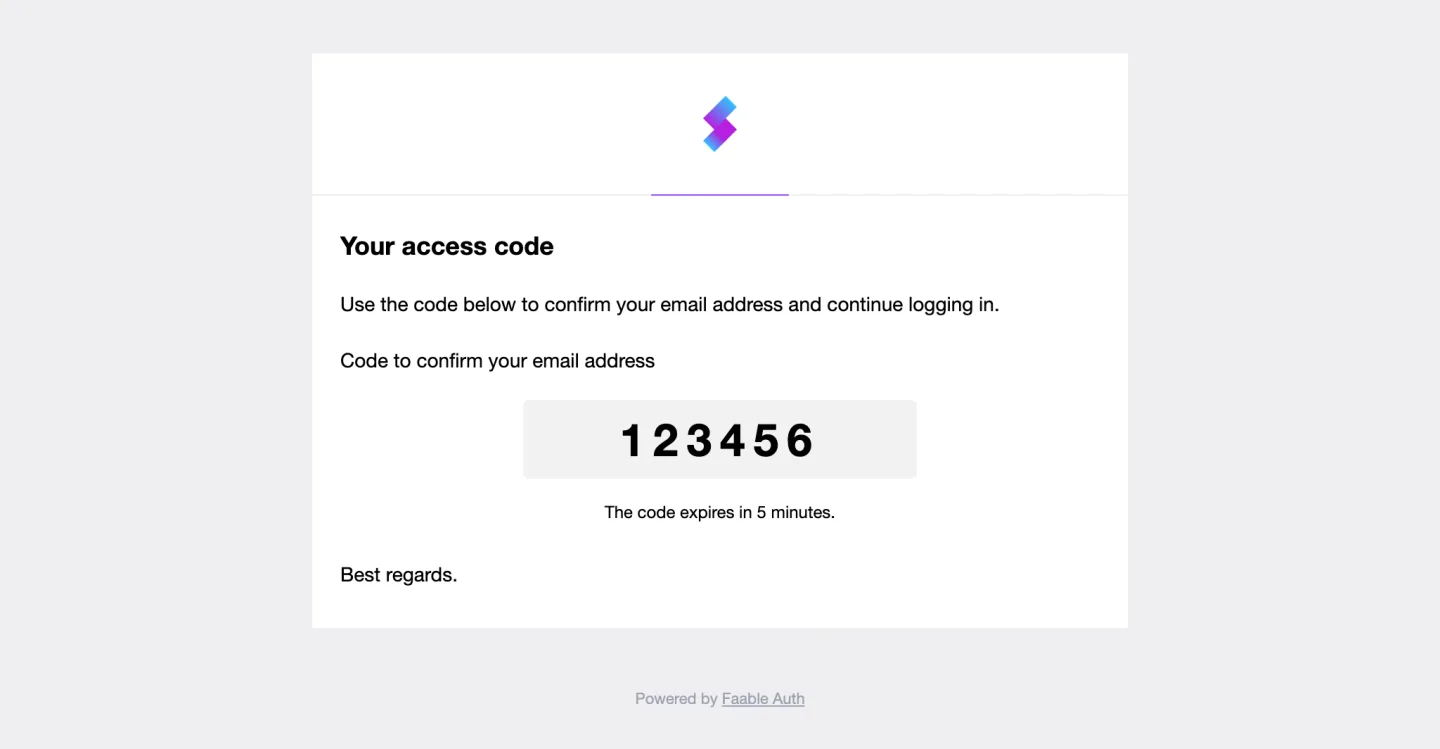
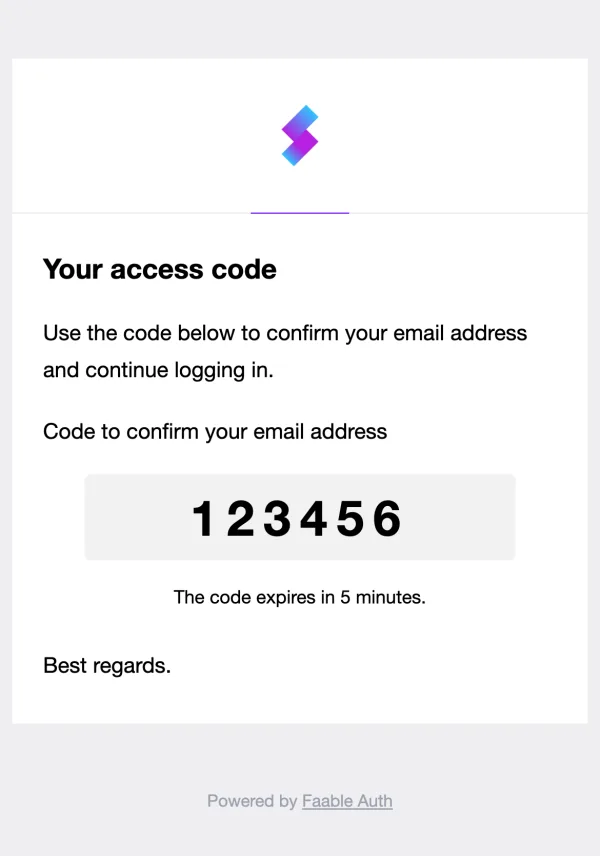
They type it where they asked for it. On the Hosted Login UI that is the sign-in screen itself, which swaps the email field for the code field:
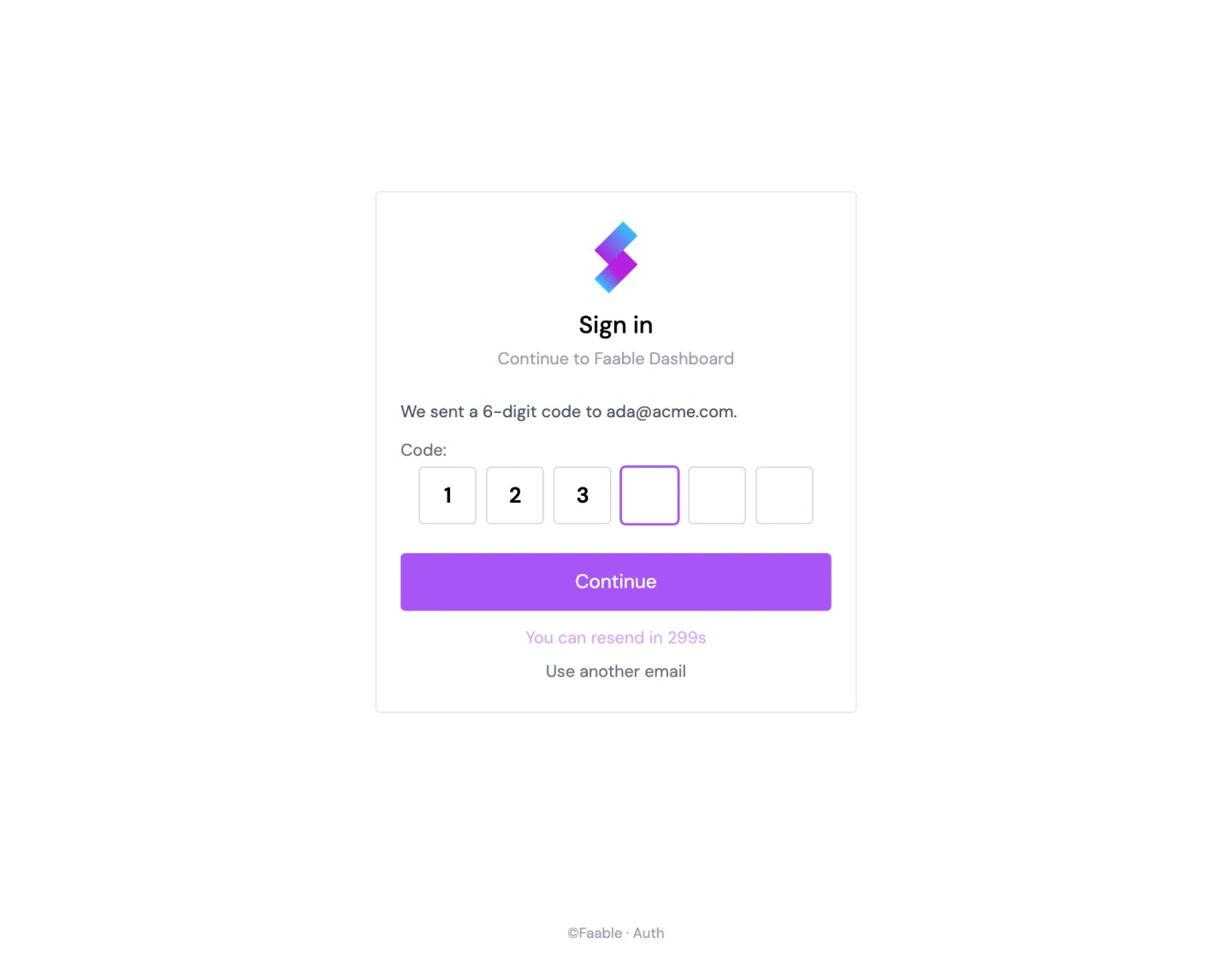
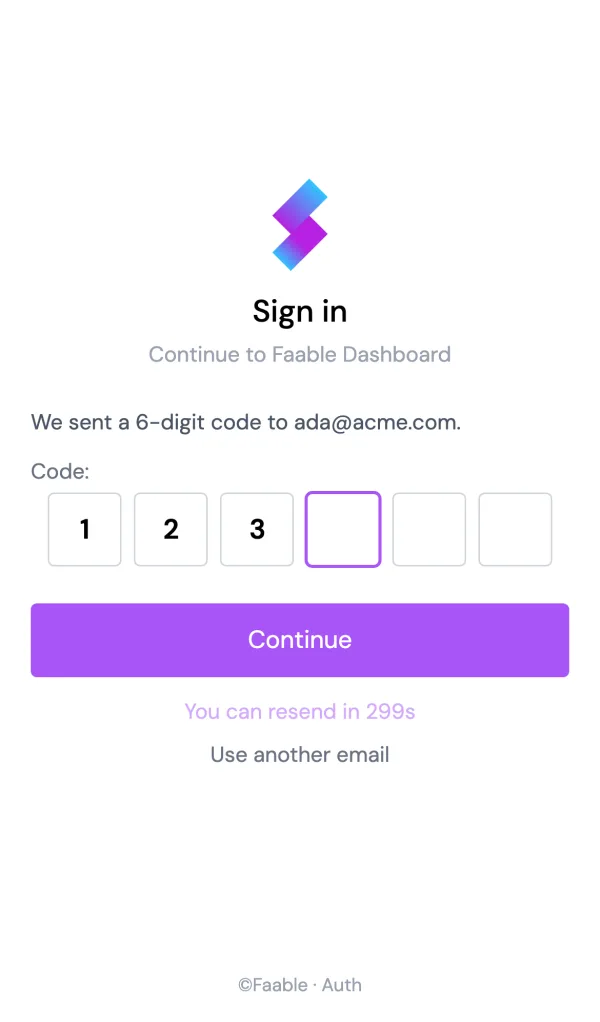
In your own UI, it is the field you pass to signInWithOtp — see Step 2a.
With a magic link
The user gets an email with a single button, valid for 1 hour and usable once. Clicking it signs them in and returns them to your application — there is no screen to type anything into.
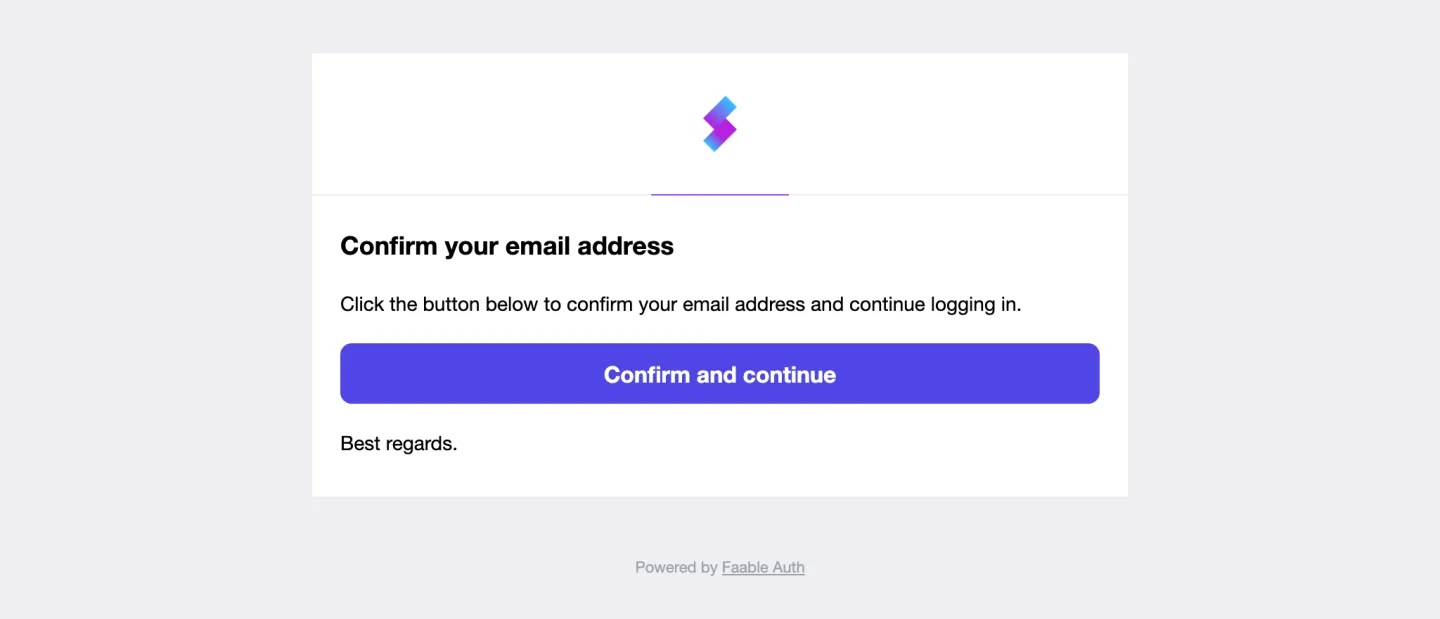
The Hosted Login UI asks for codes; a link is sent when your application starts the flow with type: 'link' — see Step 1.
Endpoints
| Method | Path | Purpose |
|---|---|---|
POST | /passwordless/start | Start the flow. Sends a link or a code to the email. |
GET | /passwordless/verify_redirect?token=… | Public entry point for the magic link. Verifies, issues a session, and redirects to the client. |
POST | /oauth/token | Exchange an OTP for tokens using the passwordless/otp grant. |
The auth host follows the standard tenant URL (e.g. https://your-tenant.auth.faable.link or your custom domain).
Throttle and TTLs
- Send throttle:
/passwordless/startdeduplicates sends per(account, email)for 3 minutes. A second request inside that window returns success but does not re-send the email. The throttle is cleared automatically when the user completes verification. - OTP TTL: 5 minutes after issue.
- Magic-link TTL: 1 hour after issue.
[!NOTE] Passwordless login is part of the Hobby and Pro plans, with no MAU limit. See Auth pricing.
Implementation with @faable/auth-js
Step 1 — Request the email
import { createClient } from '@faable/auth-js'

const auth = createClient({
  domain: 'your-tenant.auth.faable.link',
  clientId: '<your_client_id>'
})

// Magic link
await auth.signInWithPasswordless({
  email: 'user@example.com',
  type: 'link'
})

// OR — 6-digit code
await auth.signInWithPasswordless({
  email: 'user@example.com',
  type: 'code'
})
The redirect target after a magic-link click is the Allowed Callback URL configured on the client in the Faable dashboard — not a parameter on this call.
Step 2a — Verify an OTP
const { data, error } = await auth.signInWithOtp({
  username: 'user@example.com',
  otp: '123456'
})
On success the SDK stores the session and emits SIGNED_IN. data.user and data.session are populated.
Step 2b — Magic link
The link in the email points to https://your-tenant.auth.faable.link/passwordless/verify_redirect?token=…. Faable verifies the token, logs the user in, and redirects to the OAuth callback configured for the client. Your application picks up tokens from that redirect the same way it does for the Authorization Code flow.
API reference
If you are not using the SDK, the same flow is reachable over HTTP.
Start
POST /passwordless/start
Content-Type: application/json

{
  "client_id": "cli_…",
  "email": "user@example.com",
  "send": "link",
  "connection_id": "con_…",
  "auth_params": { "state": "…", "redirect_uri": "https://app.example.com/cb" }
}| Field | Required | Default | Description |
|---|---|---|---|
client_id | yes | — | The client driving the login. |
email | yes | — | Recipient address. Validated server-side. |
send | no | "link" | link for a magic link, code for a 6-digit OTP. |
connection_id | conditional | — | Required when the account has more than one enabled passwordless_email connection. If omitted with a single passwordless connection, that one is used. |
auth_params | no | — | Extra parameters forwarded to the OAuth callback after verification (e.g. state, redirect_uri). |
Response:
{
  "email": "user@example.com",
  "email_verified": false
}
The response shape is intentionally minimal — the email itself is the delivery channel.
Verify a magic link
GET /passwordless/verify_redirect?token=eyJhbGciOi…Returns a 302 to the client’s callback with the OAuth response (code or tokens, depending on the client configuration). The endpoint is idempotent on the user record but the underlying ticket is single-use.
Verify an OTP
POST /oauth/token
Content-Type: application/json

{
  "grant_type": "http://auth0.com/oauth/grant-type/passwordless/otp",
  "client_id": "cli_…",
  "username": "user@example.com",
  "otp": "123456",
  "scope": "openid profile email",
  "audience": "https://api.example.com"
}
Response on success:
{
  "token_type": "Bearer",
  "access_token": "…",
  "id_token": "…",
  "refresh_token": "…",
  "expires_in": 3600
}
scope and audience are optional and behave the same as in any other OAuth 2.0 grant.
User creation
On the first successful verification for an email, a user is created in the account with email_verified = true. On subsequent verifications for an existing user, email_verified is forced to true (the verification itself is fresh proof). No password is ever set on the user record by this flow.
Errors
| HTTP | When |
|---|---|
400 | Invalid email, unknown client_id, connection_id not of type passwordless_*, connection disabled, no passwordless connection on the account, or multiple passwordless connections without a connection_id. |
400 | Magic link is malformed, expired, or has already been consumed. |
401 | OTP is wrong, expired, or already used. |
Errors are recorded on the auth_passwordless_total metric (labelled action=send|verify, status=success|error) and on auth_login_attempts_total (method=passwordless).
Notification emails
A single transactional template, passwordless.start, is sent for this flow. It renders one of two variants depending on send:
passwordless.start.link— contains the magic-link button.passwordless.start.code— contains the 6-digit code, large and copy-friendly.
Both variants are localized (currently English and Spanish), use the tenant’s logo and colors, and can be overridden per tenant from the dashboard.
Next steps
- Connections — create the
passwordless_emailconnection driving this flow. - Authorization Code with PKCE — what happens after a magic-link click hits your callback.
- Logs — audit every send and verification attempt.
Last updated on